Accessibility Profiles Creation

Redesign of DHL’s self-service terminal experience as part of a large-scale modernization initiative, with a strong focus on improving accessibility and enabling barrier-free interaction across physical touchpoints.
The work included the development of accessibility user profiles representing people with varying physical limitations, such as reduced mobility, motor control, and visual impairments. My role was to translate these profiles into clear visual formats, making user needs tangible for product teams and stakeholders and embedding inclusive design principles into the overall process.
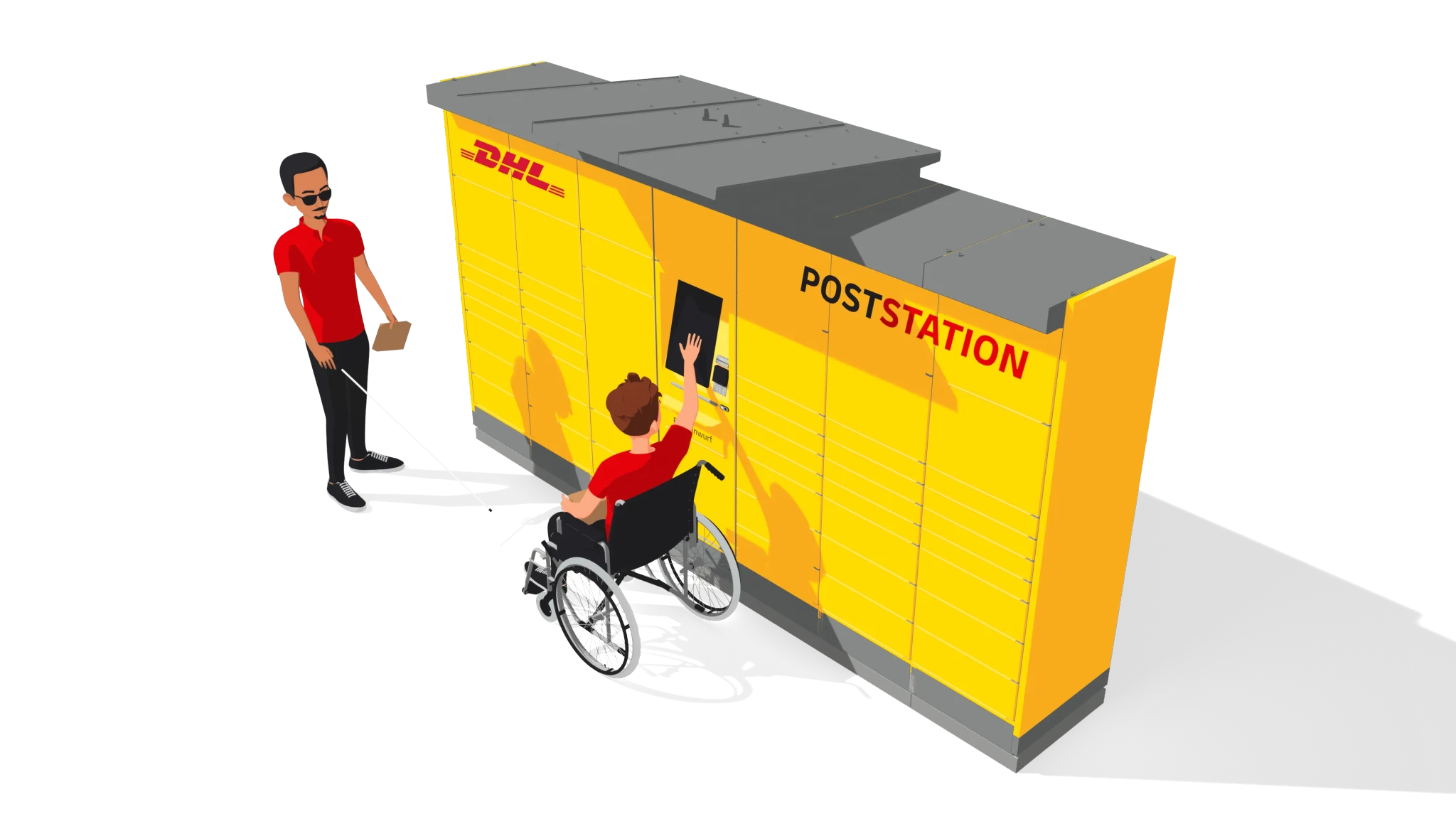
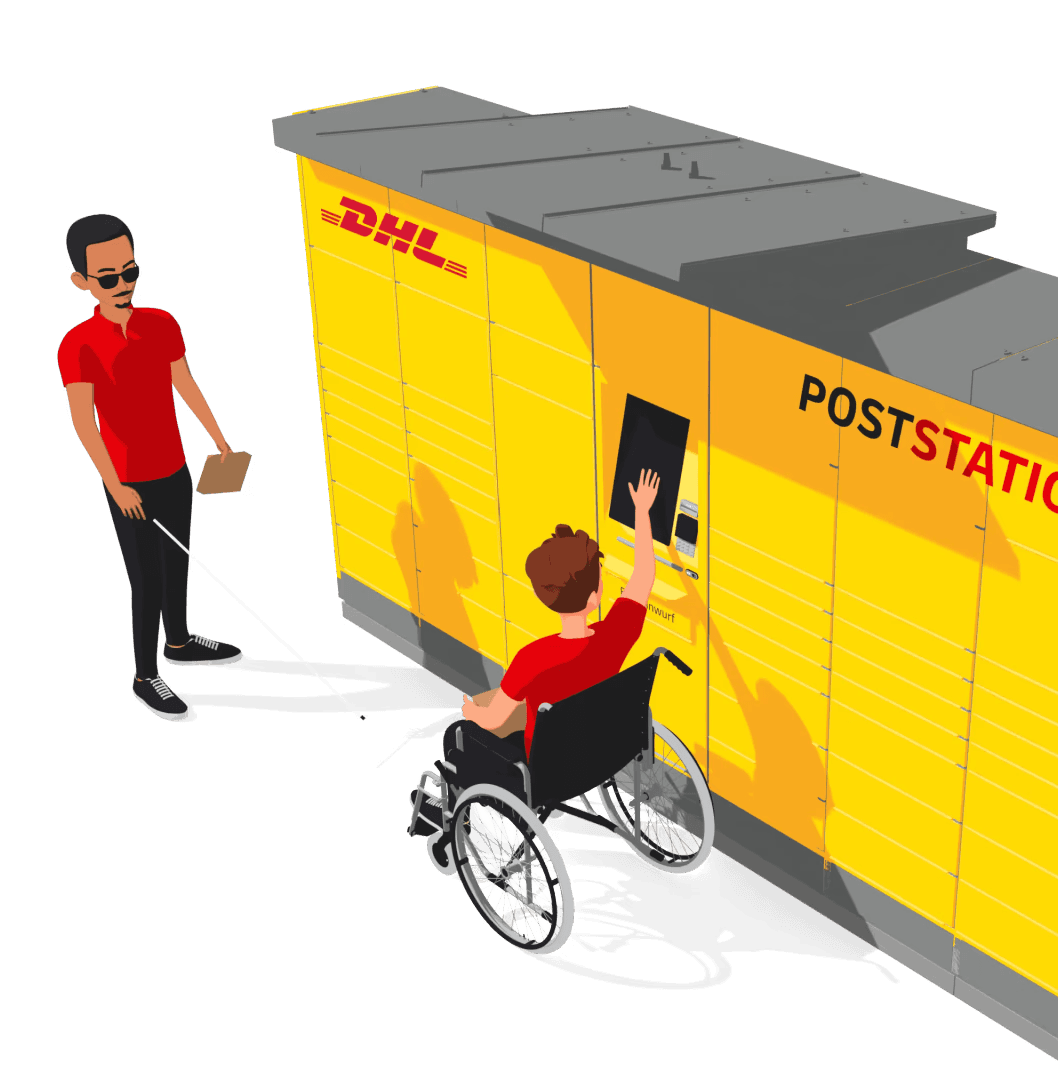
Accessibility User Profiles
Wheelchair Users
Wheelchair users require accessible heights and reach ranges. The use of ramps and specialized facilities is essential.
Elderly Users
Elderly users benefit from large touch targets and clear labeling. Controls should be simple and intuitive.
Users with Limited Arm Mobility
Users with limited arm mobility benefit from voice control and alternative input methods. Ergonomic and adaptive assistive tools are important.
Blind Users
Blind users rely on screen readers and haptic feedback. Information should primarily be conveyed through audio.
Users with Hearing Impairments
Users with hearing impairments depend on visual cues and vibrating signals. Subtitles and visual notifications are necessary.
Users with Limited Technical Skills
Users with limited technical skills need simple and intuitive user interfaces. Help texts and step-by-step instructions provide essential support.